
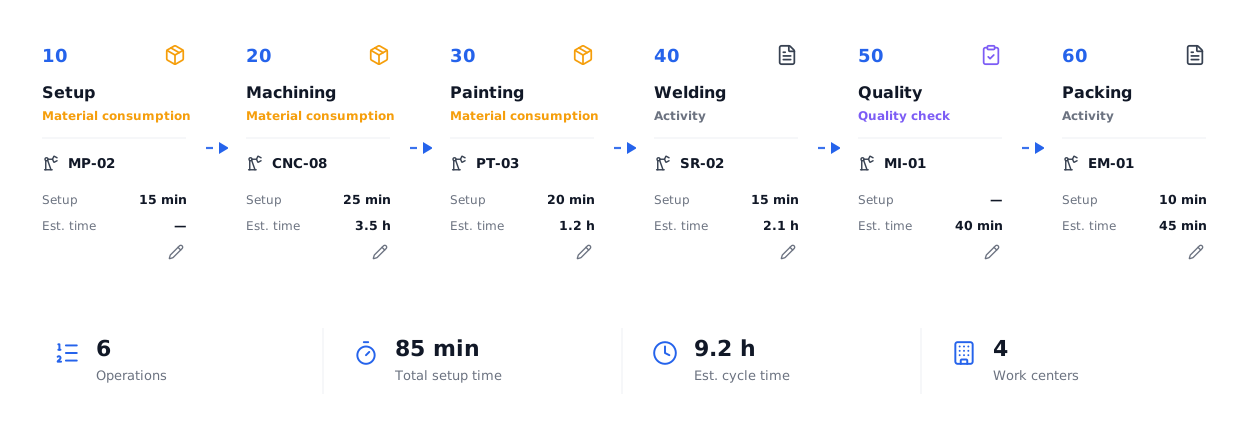
Define how each product is made.
The routing is the process recipe: which steps, in what order, on which machine, how long setup takes, what scrap to expect and which materials are consumed at each step.
Designed to be understood at a glance.
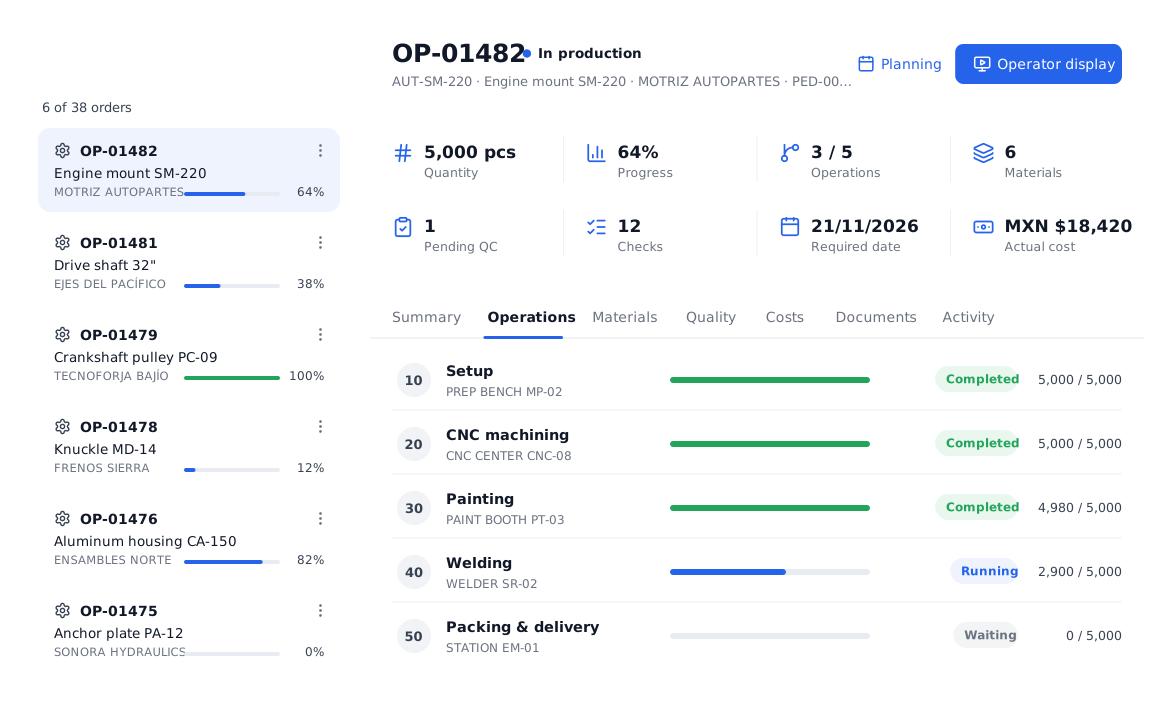
Numbered steps, active version.
Add, edit and order steps. Each step is material consumption, activity or quality check, with its machine and times. Routings are versioned.
- Routing versions (V.01, V.02…)
- Default routing per product
- Duplicate to another product
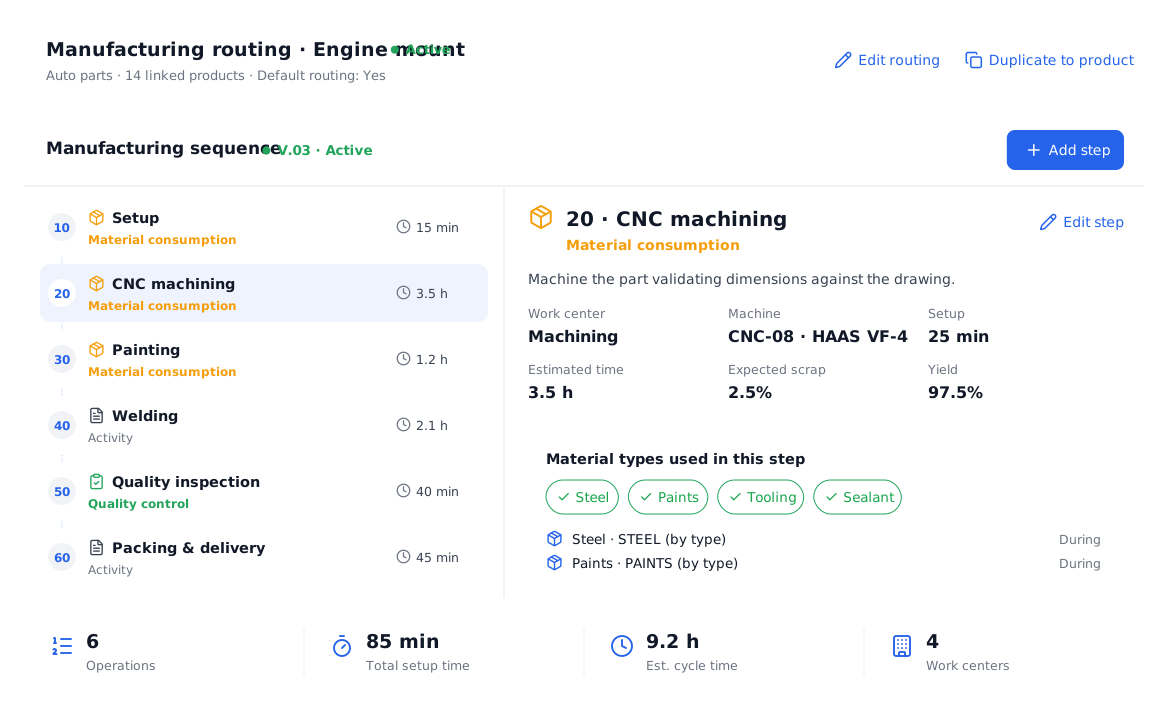
Each step knows which material type it uses.
Select the step’s material types: substrate, inks, plates, adhesive. Each order automatically shows its product’s matching materials.
- One routing serves many products
- Expected scrap and yield
- Setup and estimated time
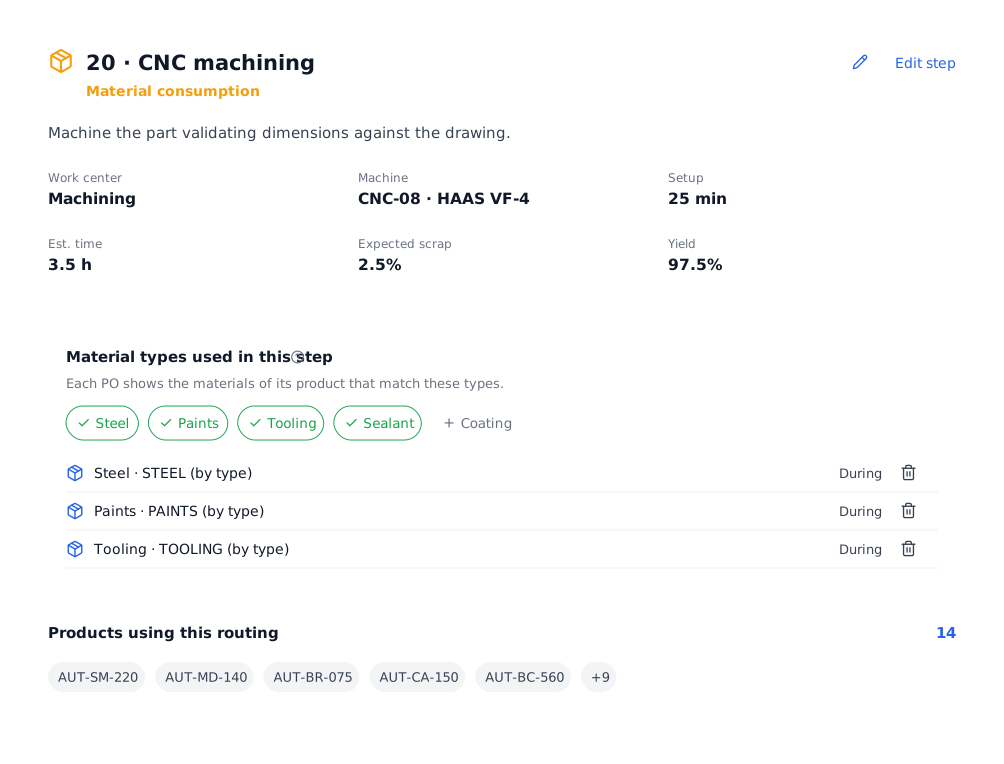
Everything you need in this module.
Steps
Ordered by step number.
Machines
One machine per step.
Setup
Preparation time.
Cycle
Estimated cycle time.
Scrap & yield
Expected per step.
Duplicate
Reuse routings across products.
In four steps.
Create the routing
For a product or a family.
Add steps
With machine and times.
Assign material types
To consumption steps.
Use it in orders
Each PO picks it up.
Questions about the manufacturing routings.
Can I have different routings per product type?
Yes. Every product type you make can have its own routing, with the steps and machines it really uses.
What happens to orders if I change a routing?
You create a new version; orders keep the version they were created with.
Does it work if I don’t make auto parts?
Yes. The steps are yours: cutting, assembly, welding, baking, filling or whatever your process needs.
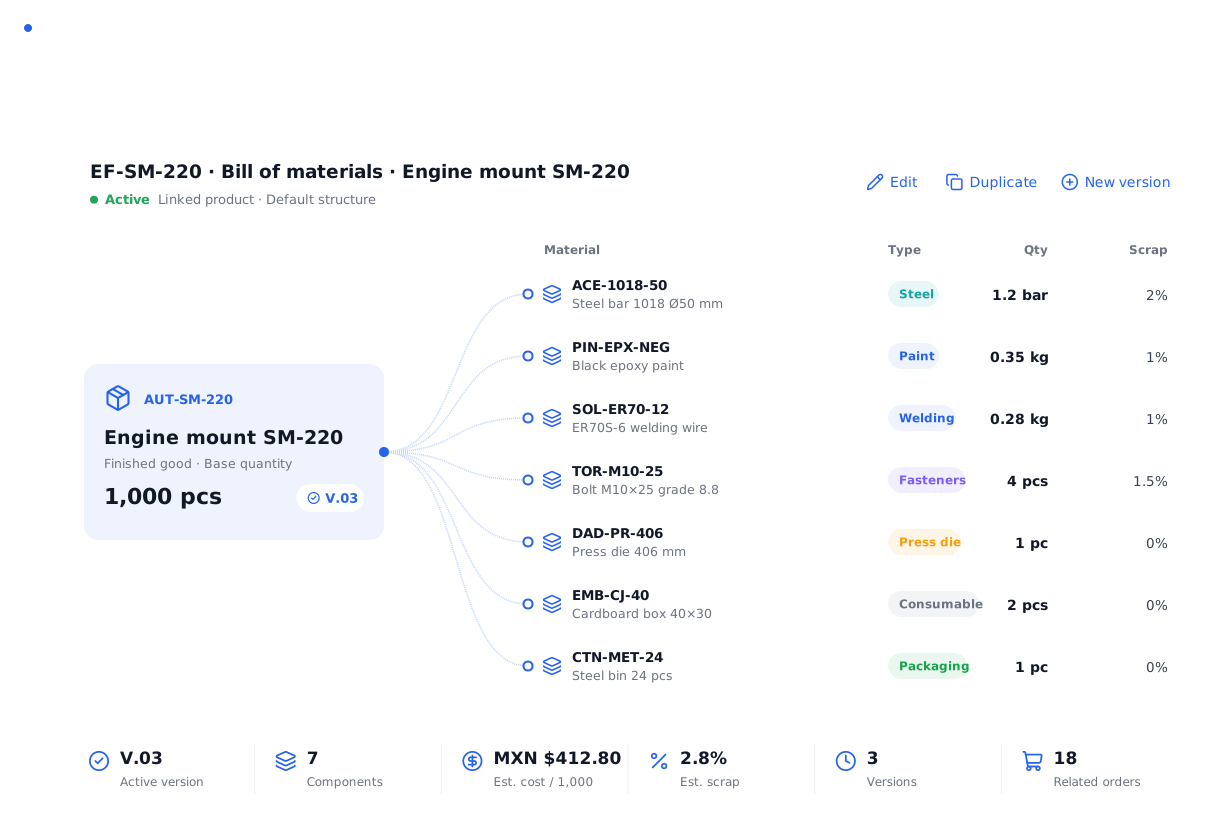
All your production, in one place.
We show you POMGT with your own products, machines and routings. In one call you will see how your plant looks inside the system.