
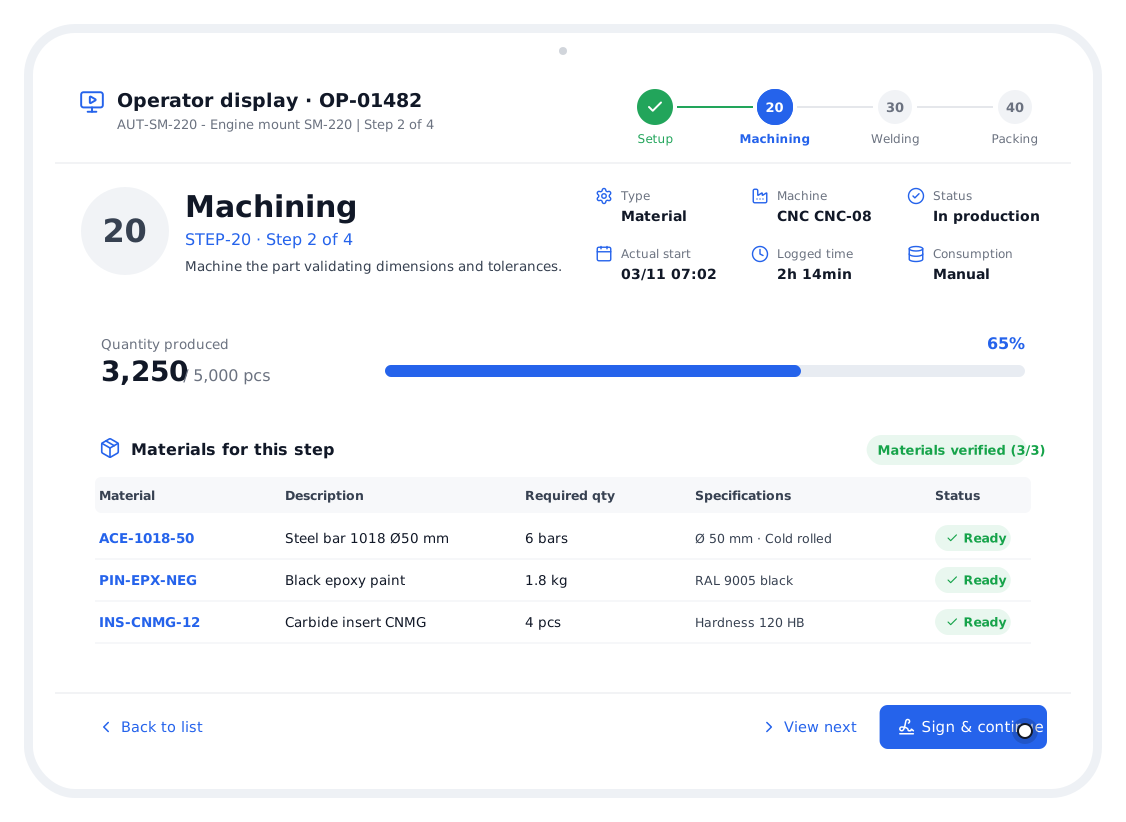
Your operators run production from a tablet.
Each operator sees only what they need: the current step, the machine, the materials to verify and how much has been produced. When done they sign and the order moves to the next step.
Designed to be understood at a glance.
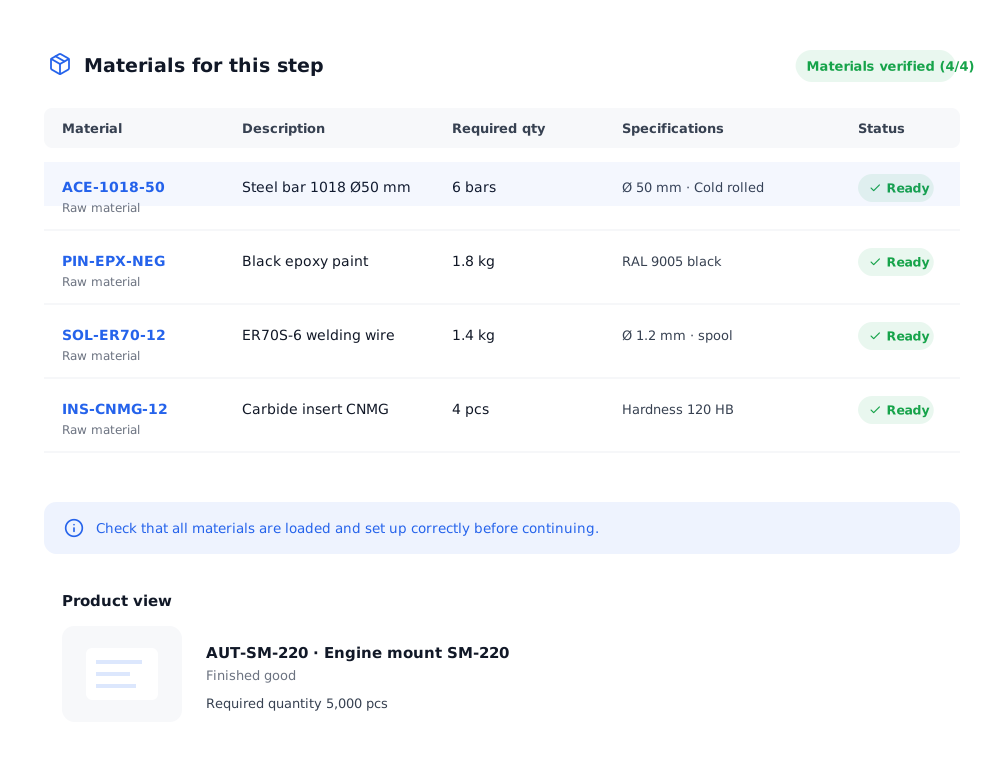
Before producing, materials are verified.
The display lists that step’s materials with quantity and specs. The operator marks each one ready and the system confirms “Materials verified”.
- Required quantity and specifications
- Ready status per material
- View of the product being made
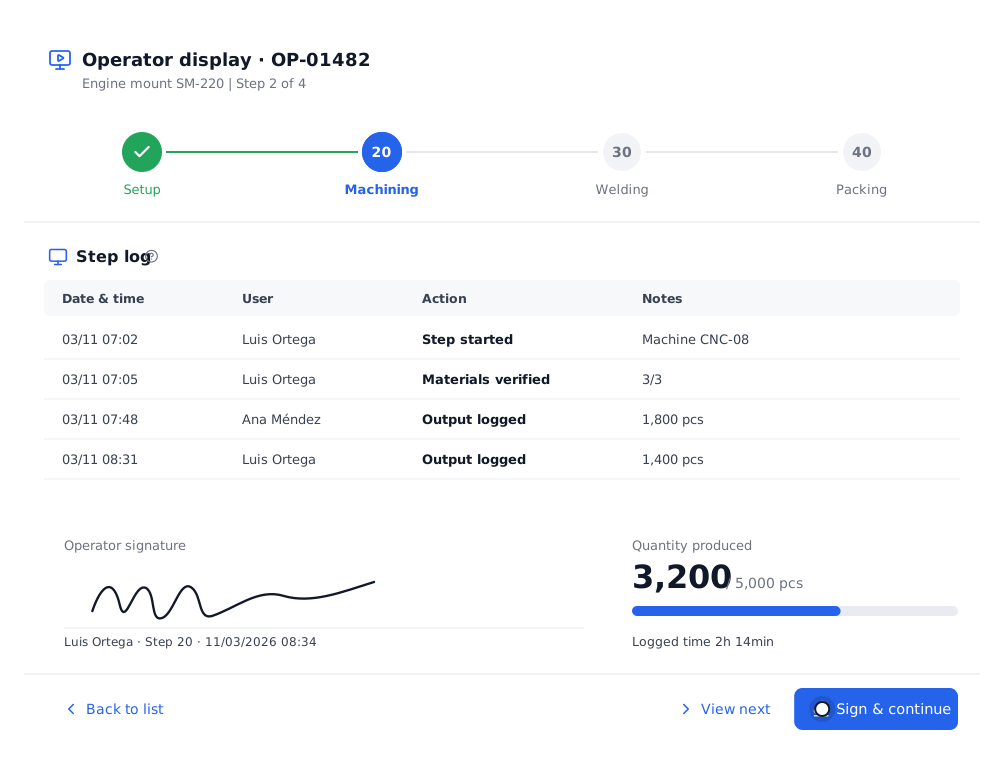
Sign and continue. That simple.
Every action is saved in the step log with date, time and user. Closing the step, the operator signs and the order moves on.
- Start, end and logged time
- Produced versus planned quantity
- Previous step / View next
Everything you need in this module.
Tablet-first
Large buttons, clear reading.
Step by step
The operator follows the routing.
Verification
Materials ready before producing.
Quantity
Log of pieces produced.
Signature
Proof of who closed the step.
Times
Actual versus expected time.
In four steps.
Open the order
From the list or by number.
Verify materials
Mark each one ready.
Log production
Pieces and step notes.
Sign and continue
The order moves on.
Questions about the operator display.
Does it work on any tablet?
Yes, it runs in the browser on iPad, Android or Windows. Nothing to install.
Does each operator have a user?
Yes, so every log and signature is under the person who did it.
What if a material is missing?
The order can be marked blocked and it appears in the dashboard alerts.
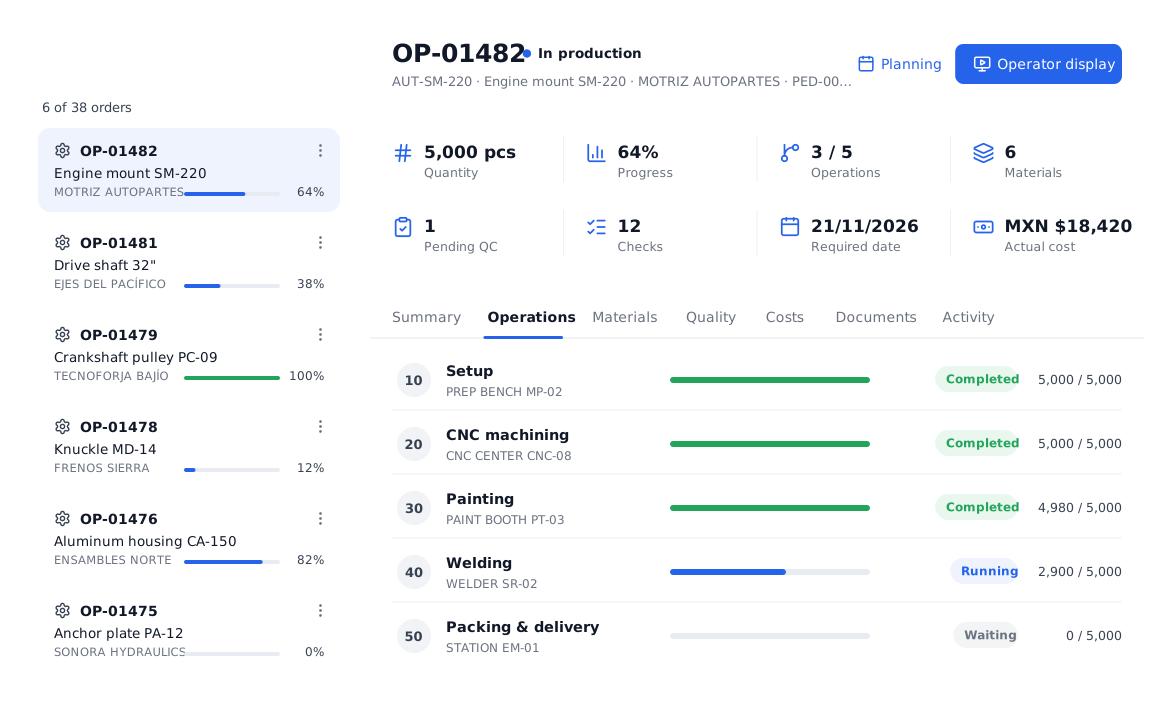
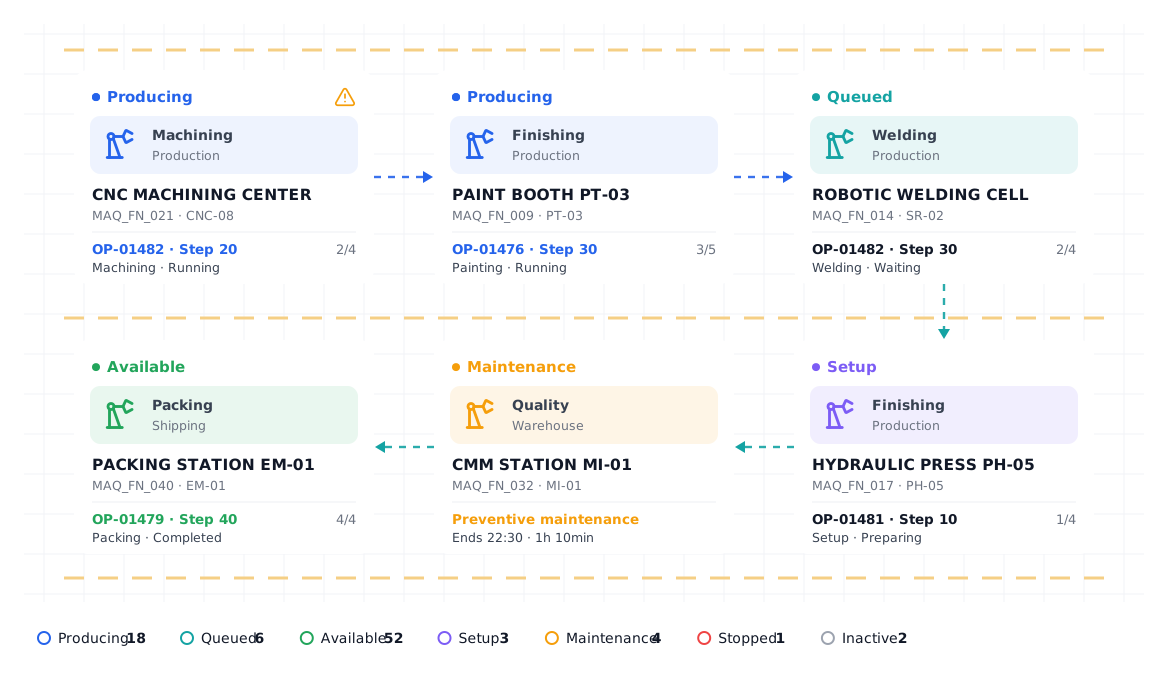
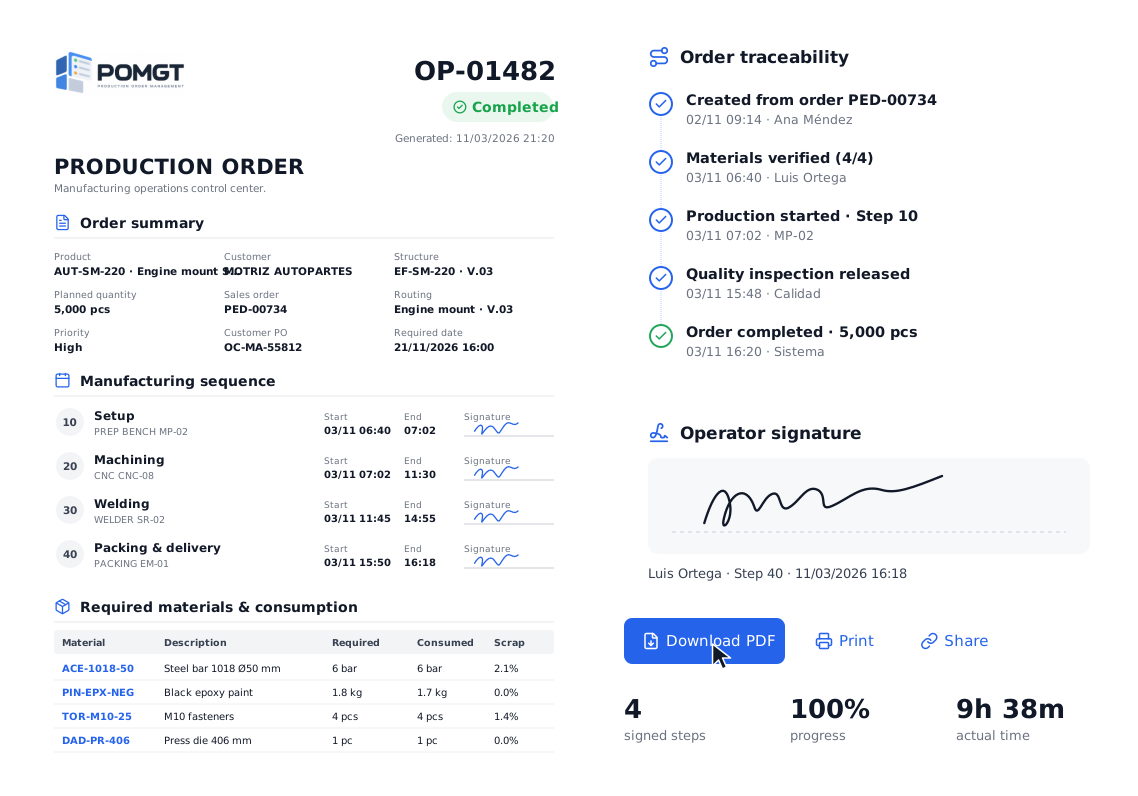
All your production, in one place.
We show you POMGT with your own products, machines and routings. In one call you will see how your plant looks inside the system.